DEMO
See Point of Sale & Warehouse Management System In Action
Explore the full power of Point of Sale & Warehouse Management System with our live demo. Test the admin dashboard and the Point of Sale (cashier) screen with real data and experience how easy it is to run your entire business.

No credit card required

Instant access

100% secure and safe
Try It Yourself – Free Live Demo
Access both the Admin Dashboard and Point of Sale (Cashier) panel to see how Point of Sale & Warehouse Management System can streamline your operations.
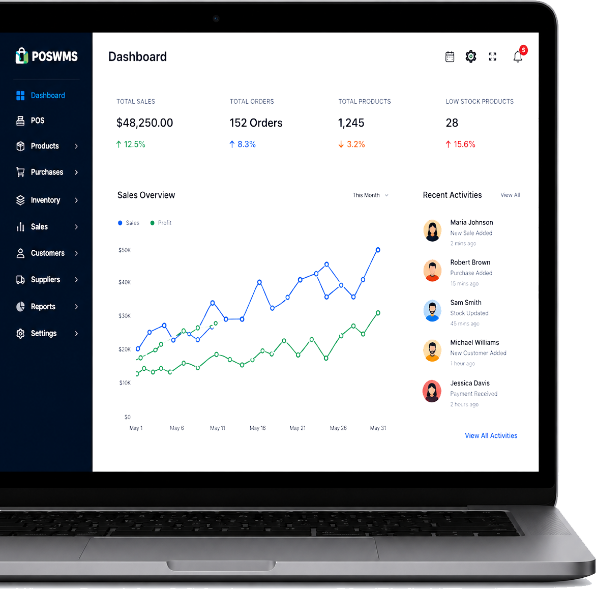
Admin Dashboard
Manage your business, inventory, users, reports, and more from the admin panel.
URL
https://demo.poswms.com/login
Username
admin
Password
poswms123456
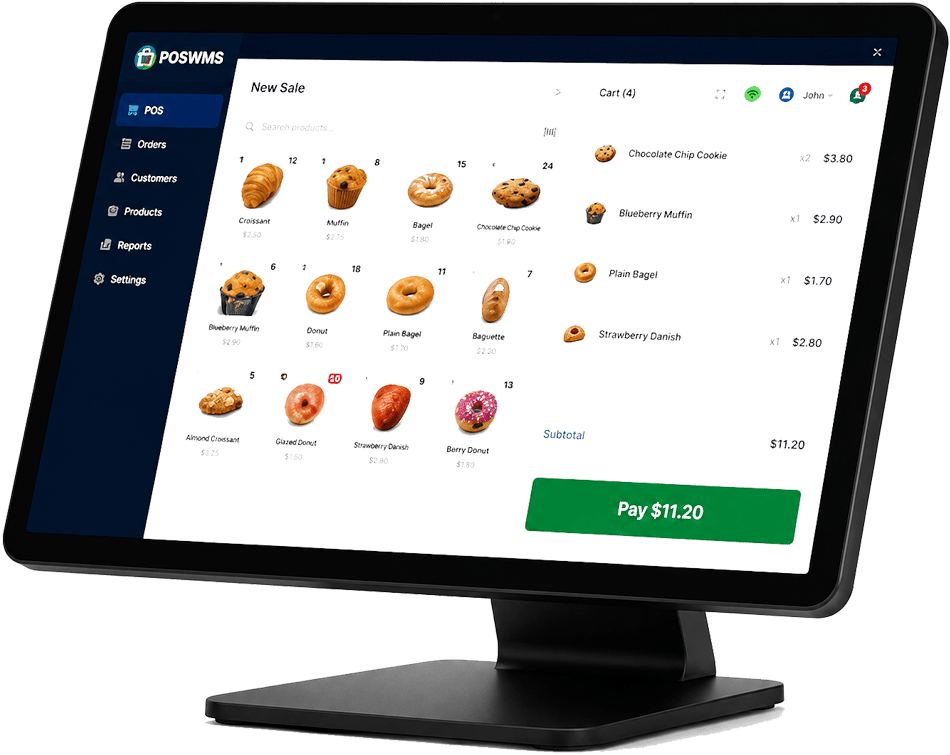
POS (Cashier) Panel
Experience the fast and simple checkout process on the Point of Sale screen.
URL
https://demo.poswms.com/pos/create
Username
cashier
Password
123456
Demo Requirements
For the best experience
Stable Internet
Connection
Modern Browser
(Chrome, Firefox, Edge, Safari)
Screen Resolution
1366 × 768
Need Help?
Our support team is ready to assist you.
What You Can Do in the Demo
Explore all key features and see how Point of Sale & Warehouse Management System fits your business.
Point of Sale
Create invoices, apply discounts, tax, split payments and more.
Inventory Management
Add products, manage stock, variants, barcodes and low stock alerts.
Purchasing
Create purchase orders, track suppliers and manage payments.
Customers & Suppliers
Manage customers, suppliers, balances, payment terms and more.
Reports & Analytics
View sales, profit, stock, tax reports and trending products.
Users & Roles
Create staff accounts and set role-based permissions.
Multi-Location Management
Manage multiple stores, warehouses and track data separately.
Expenses Tracking
Record and categorize expenses and view profit & loss.
Booking & Appointments
Manage bookings, appointments and service staff.
Settings & Configuration
Configure taxes, payment methods, receipt, printer and more.

Ready to Get Started?
The demo is just the beginning. Start your journey with Point of Sale & Warehouse Management System and take your business to the next level.
Documentation
Step-by-step guides to help you get started.
Have Questions?
We're here to help you choose the right plan.
Email Us
[email protected]
We reply within 24 hours.